Looking for network installation tips for fast, secure setup? Learn how to choose the right router, update your firmware, and position your equipment for a strong, secure, and speedy computer network.
Pick the right router for your space
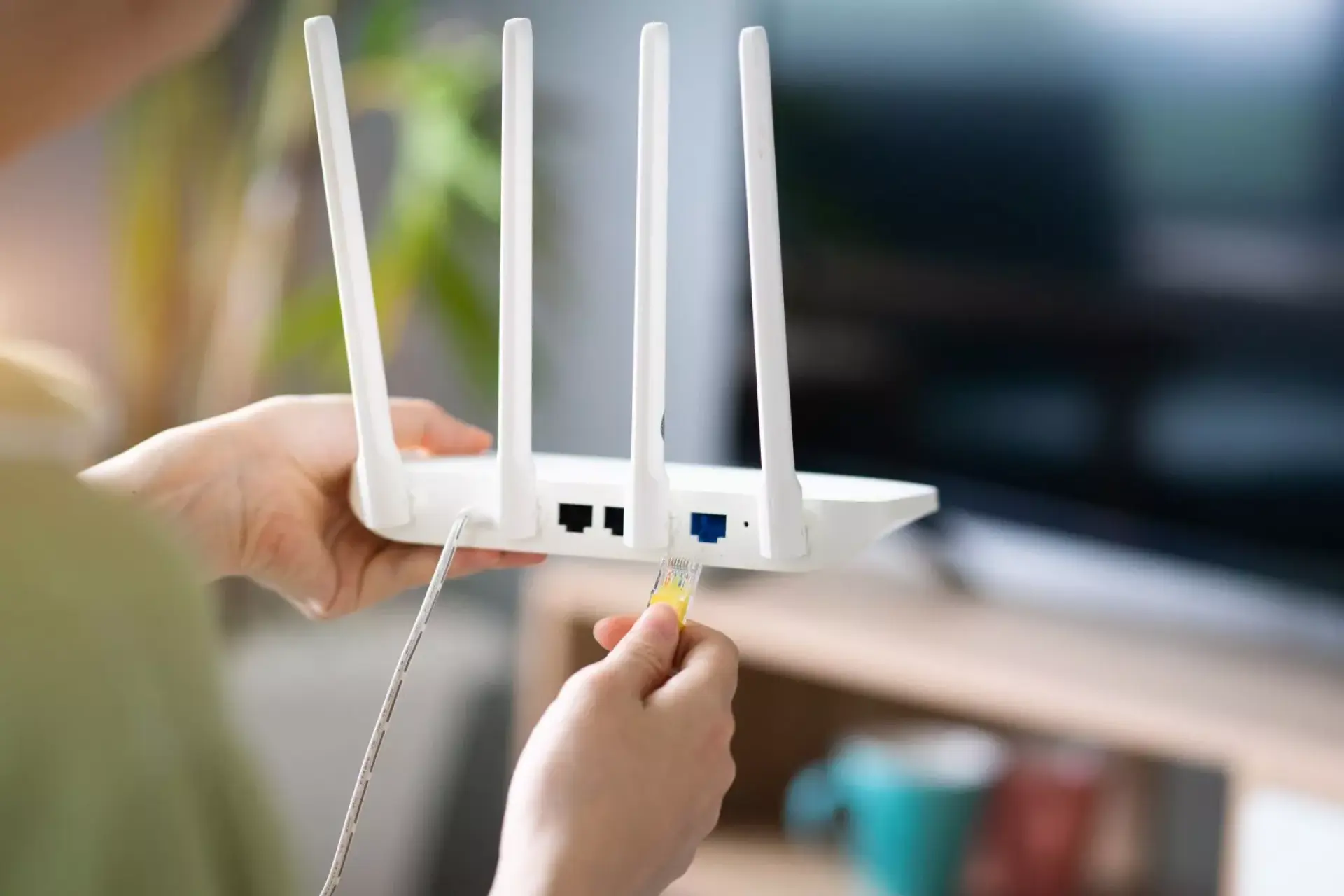
Picking the right router for your space is a crucial step when you want a fast, secure network set up. A router is the heart of your network, and it connects your home or workplace to the internet and helps every device talk to each other. If the router isn't suited to your building or your needs, even a good internet plan can feel slow and unreliable.
The router also needs to be able to handle the number of devices in your property and the way you use them. In many homes and small offices, several people may stream, video call, play online games, and download large files at the same time. A basic router can struggle under this heavy use, which can lead to issues like buffering, lagging, and slow downloads.
Your space also matters, too. Many UK properties have thick brick walls, multiple floors, or long layouts that can weaken your Wi-Fi connection. If the router’s wireless range isn't strong enough, you may get weak spots where the signal drops. In this case, choosing a router that's designed for wider coverage, or one that works well with extra access points, can help you get reliable Wi-Fi in more rooms.
Keep the firmware and software up to date
Keeping your firmware and software up to date is one of the most important steps when you want a fast and secure network. Firmware is the built-in software inside devices like routers, access points, and switches, and the software on your computers, phones, and tablets also plays a big part in how safe and smooth your network feels. Updating your firmware and software may seem like a small task, but they protect your network and improve how well it runs.
Security is the main reason these updates matter. Hackers often look for known weaknesses in common devices, and when a weakness is found, the maker of the device will usually release an update to fix it. If you do not install that update, your network may stay open to attacks. This can lead to stolen data, locked devices, or someone using your internet connection without permission.
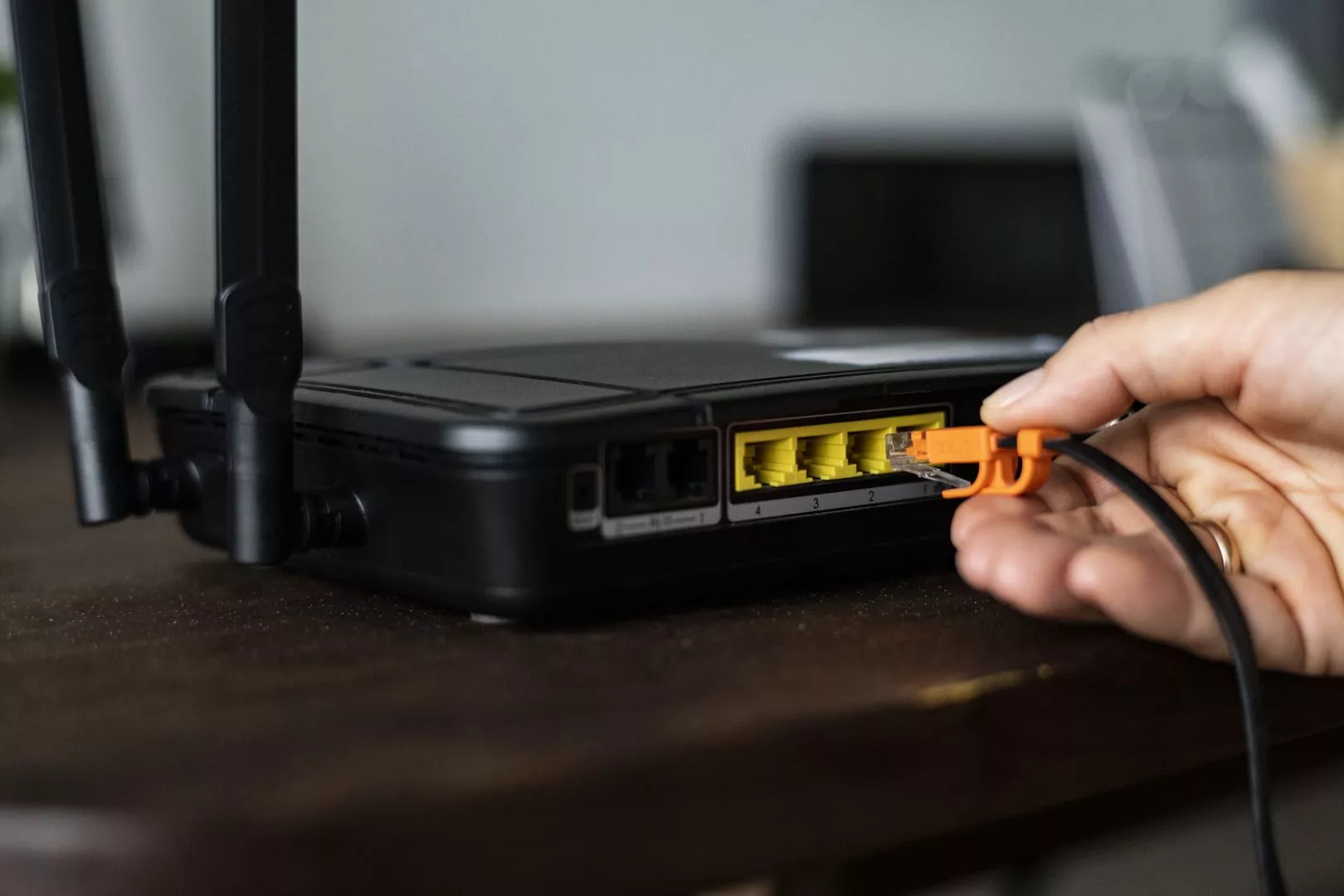
Updates can also improve your speed and reliability. Over time, companies can fix bugs that cause slow connections, dropped Wi-Fi, or failed connections. Some updates improve how your router handles multiple devices at once, which is helpful in busy homes and small offices. Other updates can improve how your Wi-Fi works in crowded areas. Keeping everything updated can reduce random problems and keep your connection steady.
Additionally, new phones, laptops, and smart home devices often need the latest software to connect properly and safely. If your router or device software is out of date, you may see errors, poor performance, or features that don't work as they should. Updating your network can help it keep up with new equipment.
Turn on a firewall and basic protection
A firewall is a safety barrier that helps control what can enter or leave your network. It blocks unwanted traffic and helps keep your devices safe while you use the internet. Most routers include a built-in firewall, but it still needs to be checked and set up correctly. If it's turned off or set too loosely, your network can be easier to attack. A good firewall helps stop people outside your home or business from reaching devices they should not be able to access; this matters because many networks now include smart televisions, doorbells, cameras, and home assistants, which can be targeted if they are left unprotected.
Basic protection isn't limited to just one simple setting; it includes using a strong router password, changing the default admin login, and turning on the encryption for the Wi-Fi. These steps help stop people from joining your network without permission. A protected network also helps prevent slow device performance and reduces the risk of your personal data being seen or stolen.
If your network is attacked, it can become slow, unstable, or even stop working, and some attacks can flood your connection with traffic, making it hard to do normal tasks like video calls or streaming. Good protection helps reduce these risks and keeps your network running smoothly.
Place Wi-Fi equipment in the best spot
Wi-Fi signals spread out like a bubble, and if the router is tucked away in a corner, hidden in a cupboard, or placed on the floor, that bubble can shrink - and your furniture, pipes, and electrical items can also block or weaken the signal, too. In many homes, thick brick walls, chimneys, and more than one floor can reduce this coverage even more.
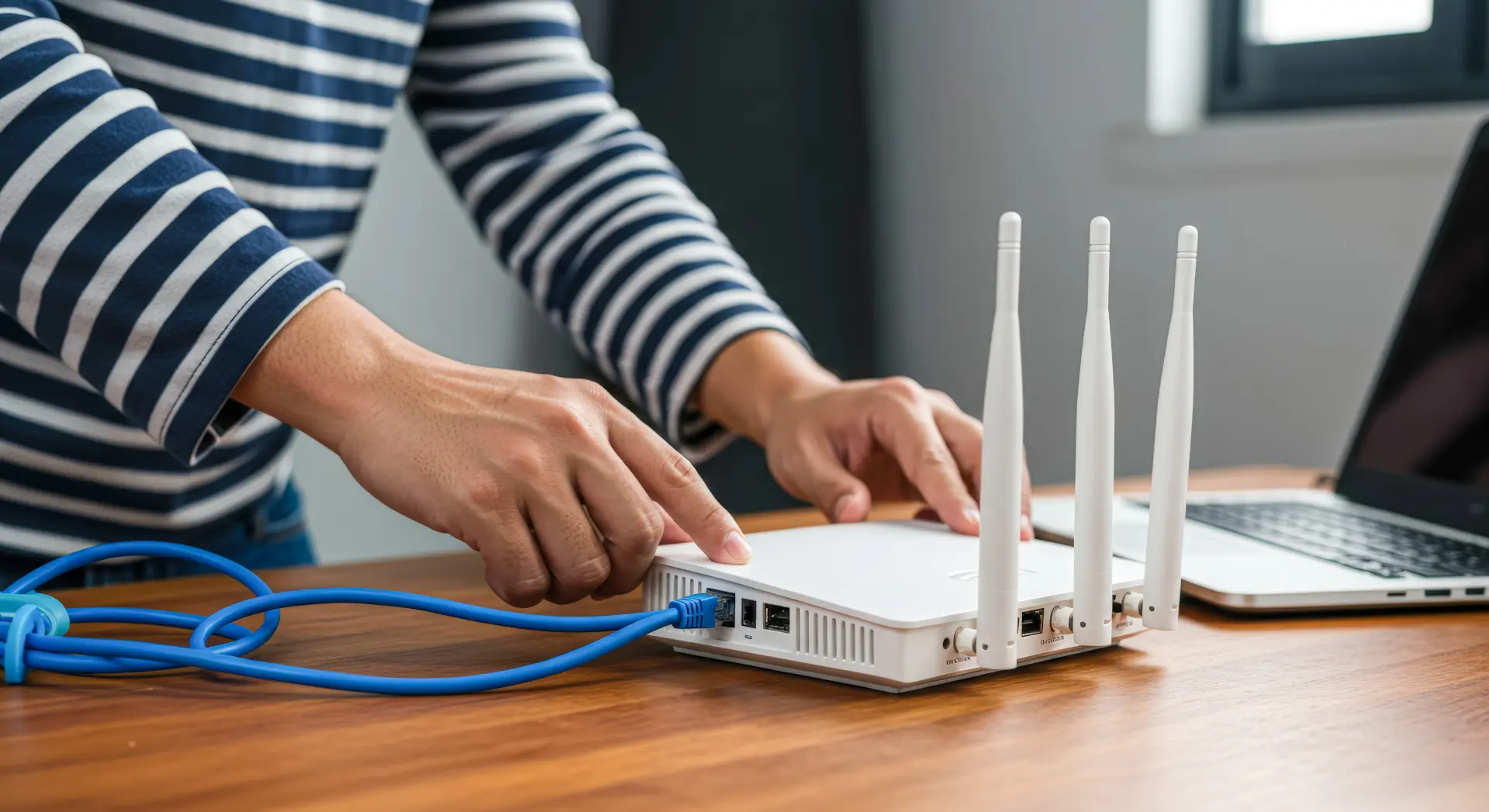
Placing the router in a central spot is often the best decision. If you place the router near the middle of your home or office, the signal has a better chance of reaching all the rooms.
Putting it on a shelf or a table, rather than behind a television or under a desk, can also help improve the signal. The height you place it at also matters too, because it can reduce the number of objects the signal passes through.
When the signal is stronger, your devices won't struggle to stay connected. This can reduce buffering on videos, improve your call quality, and make online games run smoother.
A well-placed router can also help your devices perform well when several people are online at once, since the network won't have any weak links.
Lentech Ltd installs reliable computer networks for homes and businesses across Preston, Blackpool and Chorley. We can set up both wired and Wi-Fi connections, fit network points, and improve your coverage to reduce weak spots.