Discover what you need to know before installing a computer network for your home or business. Enhance your connectivity, security, and performance with our expert guidance.
Choosing wired, wireless, or a mix
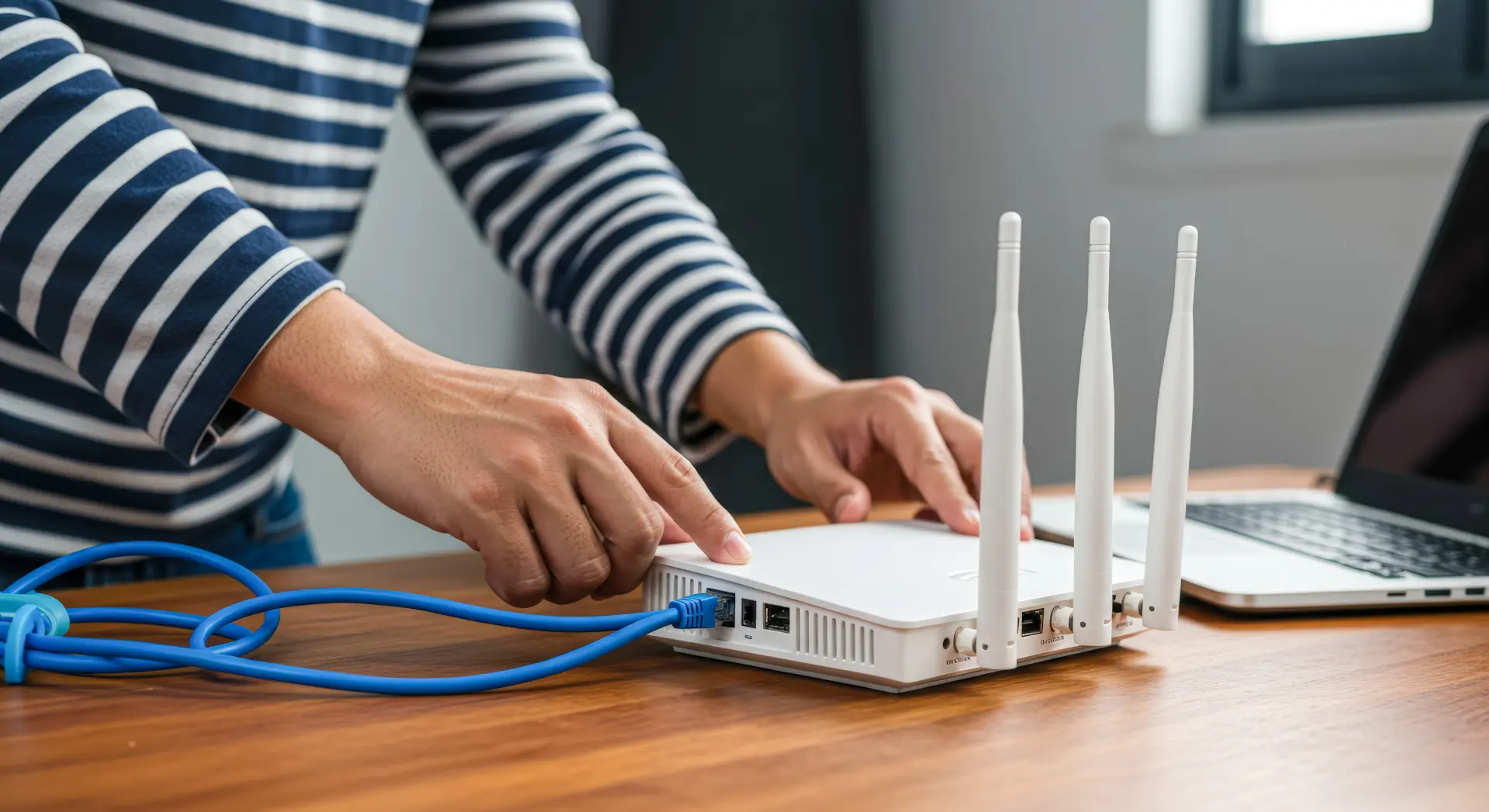
A wired network uses Ethernet cables to connect devices together; this is often the most reliable option because the cables won't be affected by walls, distance, or other signals. A wired network can keep your device's speed steady, which is helpful for video calls, online learning, gaming, and sending large files.
These routers can also be more secure, since it's harder for someone outside your building to access a cable connection. Additionally, if you have a home office, a wired link to your main computer can reduce issues like delays, buffering and cut-outs.
On the other hand, a wireless network uses Wi-Fi to connect your devices without any cables. This is very convenient, especially in homes where people use phones, tablets, smart televisions, and laptops in different rooms. You also don't need to drill any holes to run cables with a wireless network, which can be a crucial factor for rented homes or older buildings.
However, wireless signals can be weaker in buildings with thick brick walls, metal frames, or multiple floors, and nearby networks in flats and busy streets can also cause interference, which can slow down your device's speed at busy times.
A mixed network combines both wired and wireless connections together. For example, you can connect fixed devices like desktop computers, games consoles, and smart televisions together with cables, while still using Wi-Fi for mobile devices. This mix can reduce your Wi-Fi congestion and improve your device's performance.
Deciding how many network points you need
A network point is an area where you can plug in a device using an Ethernet cable through a wall socket or a small switch, since it helps you avoid weak connections and messy cabling.
First, you'll need to think about what devices you use now and what you may use in the next few years. Many homes and small offices have more connected devices than people realise, and desktop computers, printers, games consoles, smart televisions, and work phones all need a stable link. If you only plan your network points for the short term, you might run out of access points and end up dragging long cables across the floor or relying on Wi-Fi in places where the connection struggles.
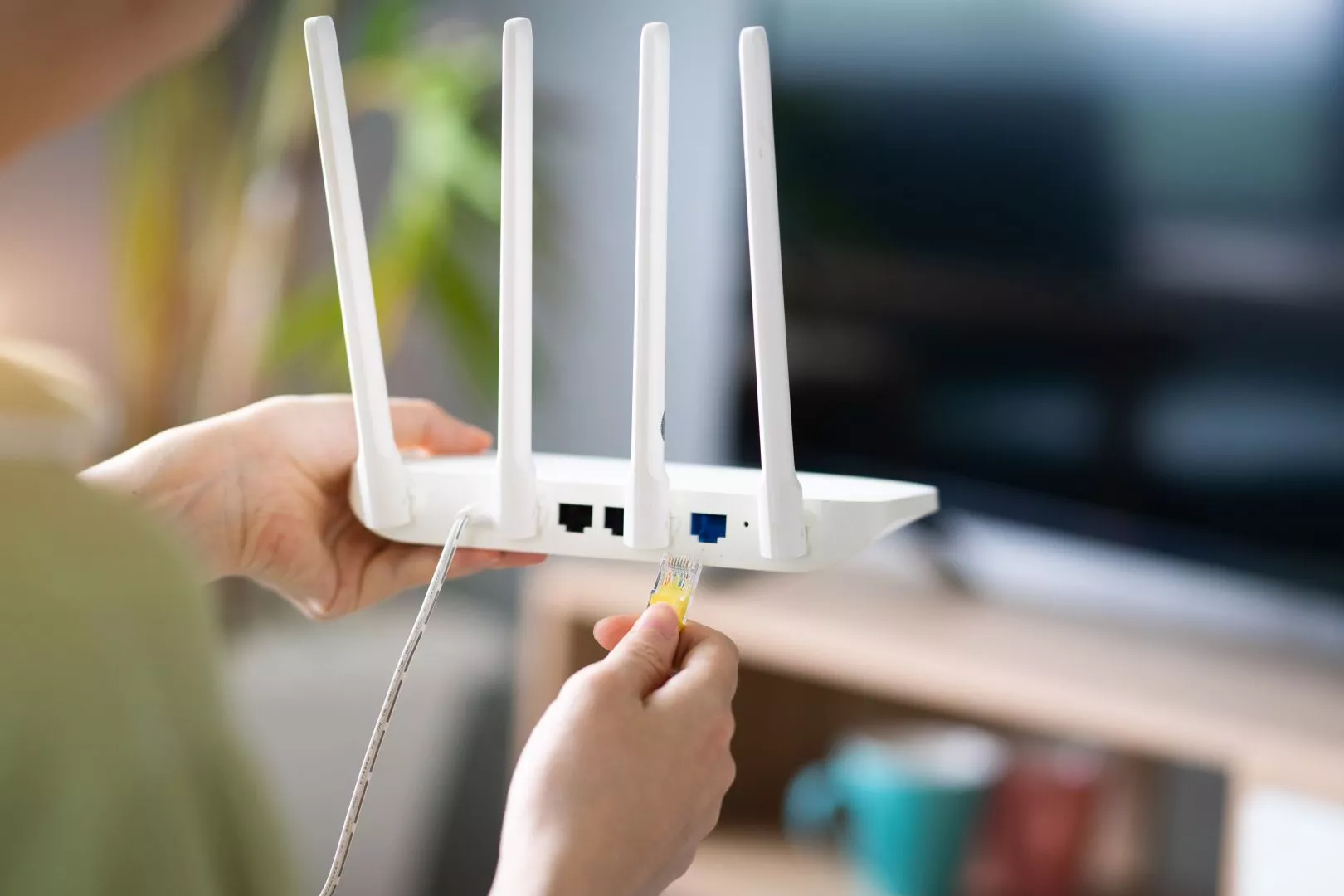
It's also important to think about shared spaces and busy times. If several people are streaming, gaming, or working from home, your network can become slow and frustrating. Extra network points allow you to connect more devices by cable, which can take some pressure off your Wi-Fi and improve your device's performance.
Planning the number of network points you need also helps with the design of the network. You can choose the best place for the router to sit and decide on whether you need a switch to add more wired connections. You can also plan your cable routes neatly through the walls, floors, or trunking, which looks better and is safer than trailing cables around.
By deciding how many network points you need, you can build a network that is tidy, flexible, and ready for everyday usage.
Understanding routers, switches, and access points
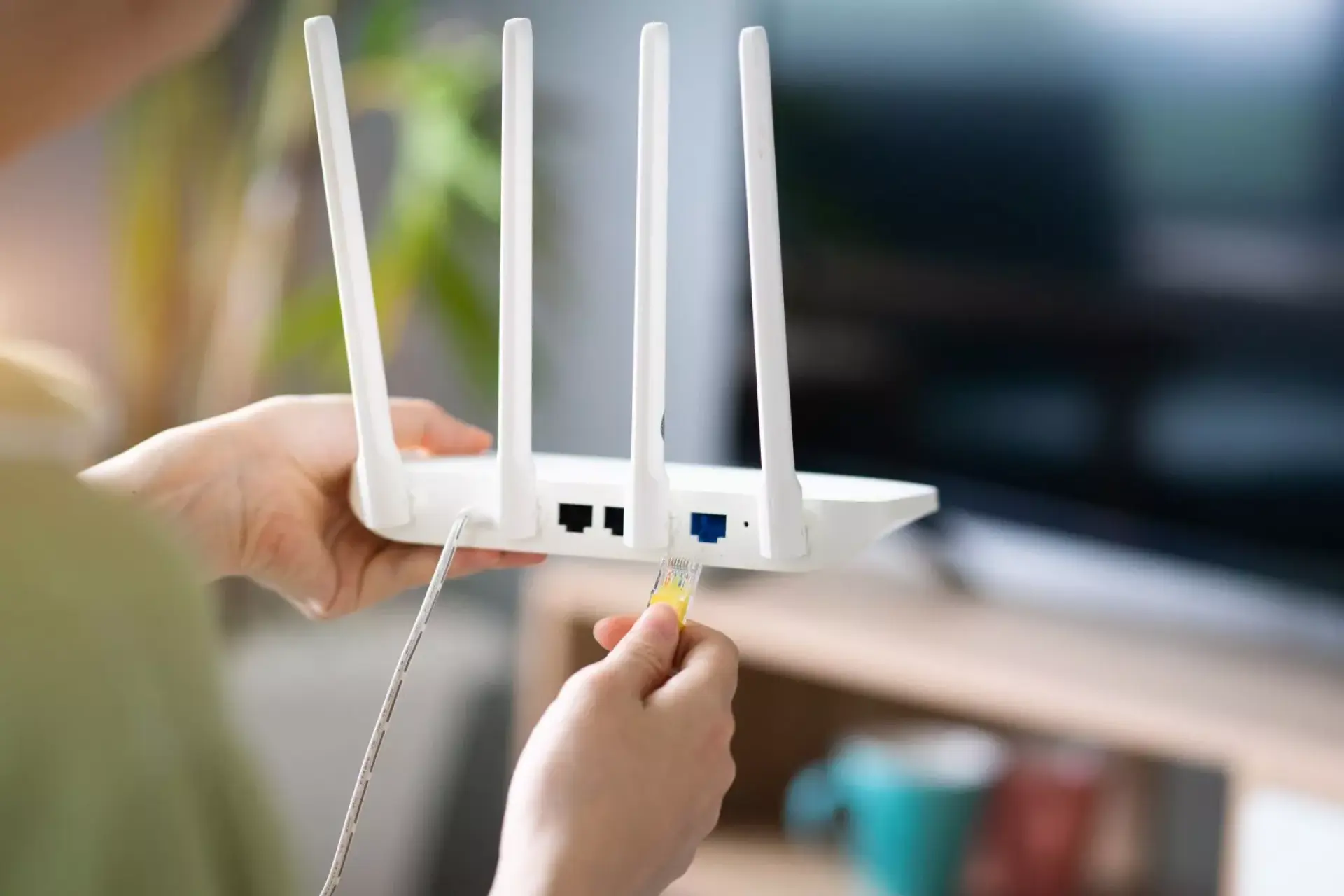
Before you install a computer network, it's crucial to understand what routers, switches, and access points do, and why each one matters. A router is the main device that connects your home or office to the internet, and it shares the internet connection with your devices and usually provides Wi-Fi as well.
Many UK homes get a router from their internet provider, but it may not always be strong enough for larger homes, thick walls, or lots of users. If you understand the router’s role, you can decide where it should go so that you get the best coverage and whether you need a better model for your needs.
A switch is used to add more wired connections. Routers often only have a few Ethernet ports, which can be a problem if you want to plug in several devices, such as desktop computers, smart televisions, games consoles, printers, or work equipment at once.
A switch expands the number of ports, allowing you to connect a lot of devices by cable. This can improve your speed and stability, and it can reduce pressure on the Wi-Fi when several people are online at the same time.
An access point improves your wireless coverage. However, it's not the same as a router, even though they can look alike. An access point connects back to the router using a cable and then creates a strong Wi-Fi signal in that particular area.
This is useful in homes with multiple floors or solid walls, since a single router might not be able to reach every room well. Access points can also be useful in small offices where you rely on Wi-Fi for video calls, card machines, or shared devices.
Planning Wi-Fi coverage and reducing weak spots
Good Wi-Fi coverage isn't just about having a fast internet package; it's about making sure the signal is steady and reaches the places where you actually use it. Many homes have features that can weaken Wi-Fi signals, such as thick brick walls, loft conversions, and multiple floors.
In flats and terraced houses, nearby Wi-Fi networks can also cause interference, especially during the evening when lots of people are online at the same time. Therefore, if you don't plan ahead, you may end up with rooms where the devices are prone to buffering, freezing, or lagging.
Planning your coverage starts with thinking about your layout and your habits. Where do you work or study? Where do you stream television or make phone calls? These areas need a strong signal, and if you place the router in a corner, inside a cupboard, or behind a television, the signal will struggle - so a more central, open location will work better.

It's also important to think about the number of devices you use. Modern homes can have many devices connected at once, such as phones, laptops, televisions, cameras, doorbells, and thermostats. When several people are using the network at the same time, weak spots can become more noticeable. Planning your network coverage can help you avoid these issues and reduce the chances of your devices dropping off the network.
A good coverage plan may include using a mix of equipment. You might add extra access points, use a mesh system, or connect your key devices with Ethernet cables to reduce the load on the Wi-Fi. You can also plan out network points in rooms where the Wi-Fi signal may be weak, which gives you the option to place an access point there later.
Lentech Ltd installs reliable computer networks for homes and businesses across Preston, Blackpool and Chorley. We can set up both wired and Wi-Fi connections, fit network points, and improve your coverage to reduce weak spots.